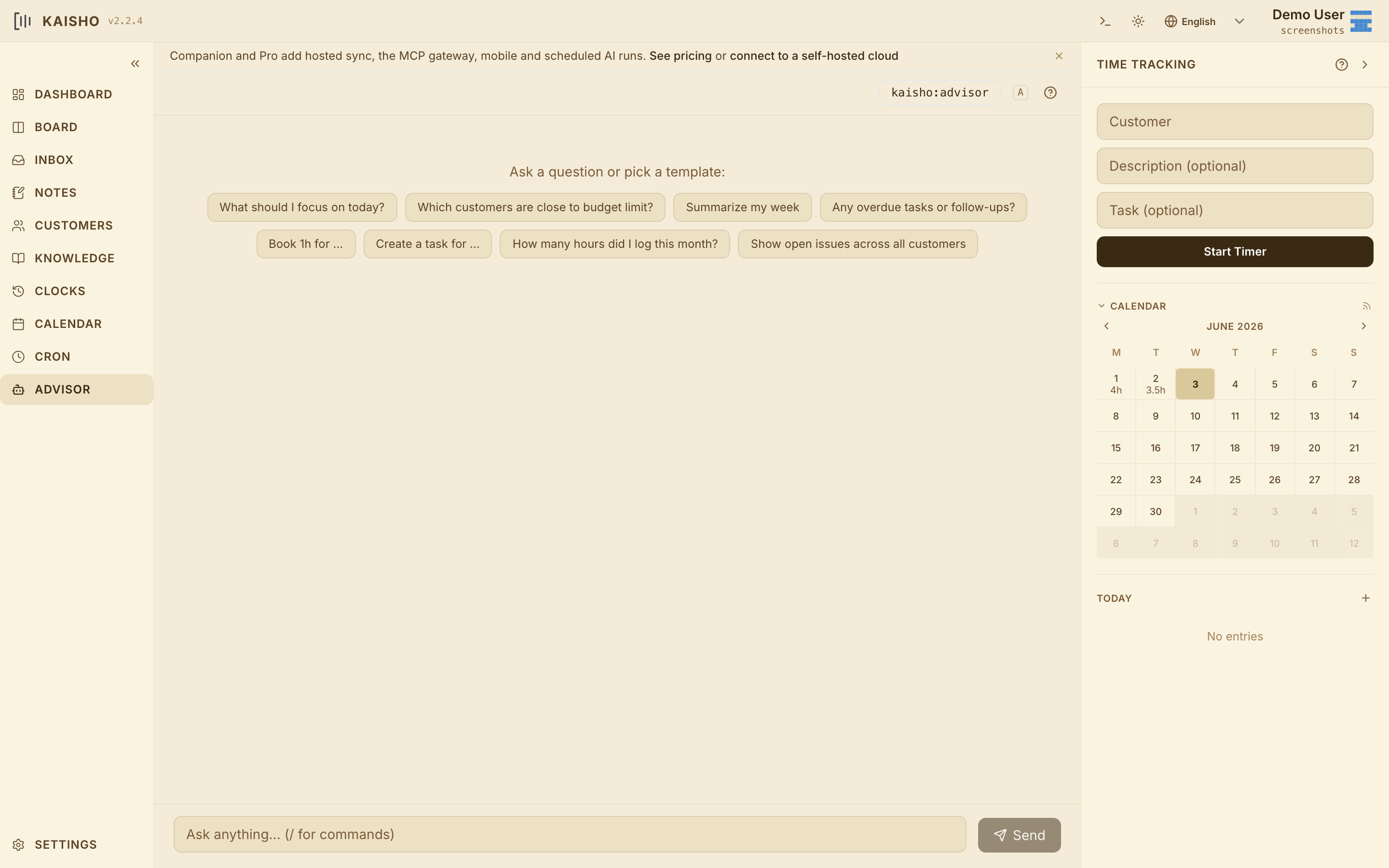
The time- and mindkeeper — your local-first AI work companion

Time tracking your AI can use. Knowledge that doesn't disappear when the chat ends.

Your AI starts every chat from zero. Kaisho fixes that with two memory layers: the live one — tasks, customers and clocked hours your AI reads through MCP — and the durable one, a Markdown knowledge base where every session's gotchas, decisions and snippets accumulate. Schedule cron agents to brief you Monday, draft Friday's invoice from unbilled hours, or write learnings back to the KB. Plug into Claude Code, Cursor and Claude Desktop. Plain text or SQL. Local-first, always yours.

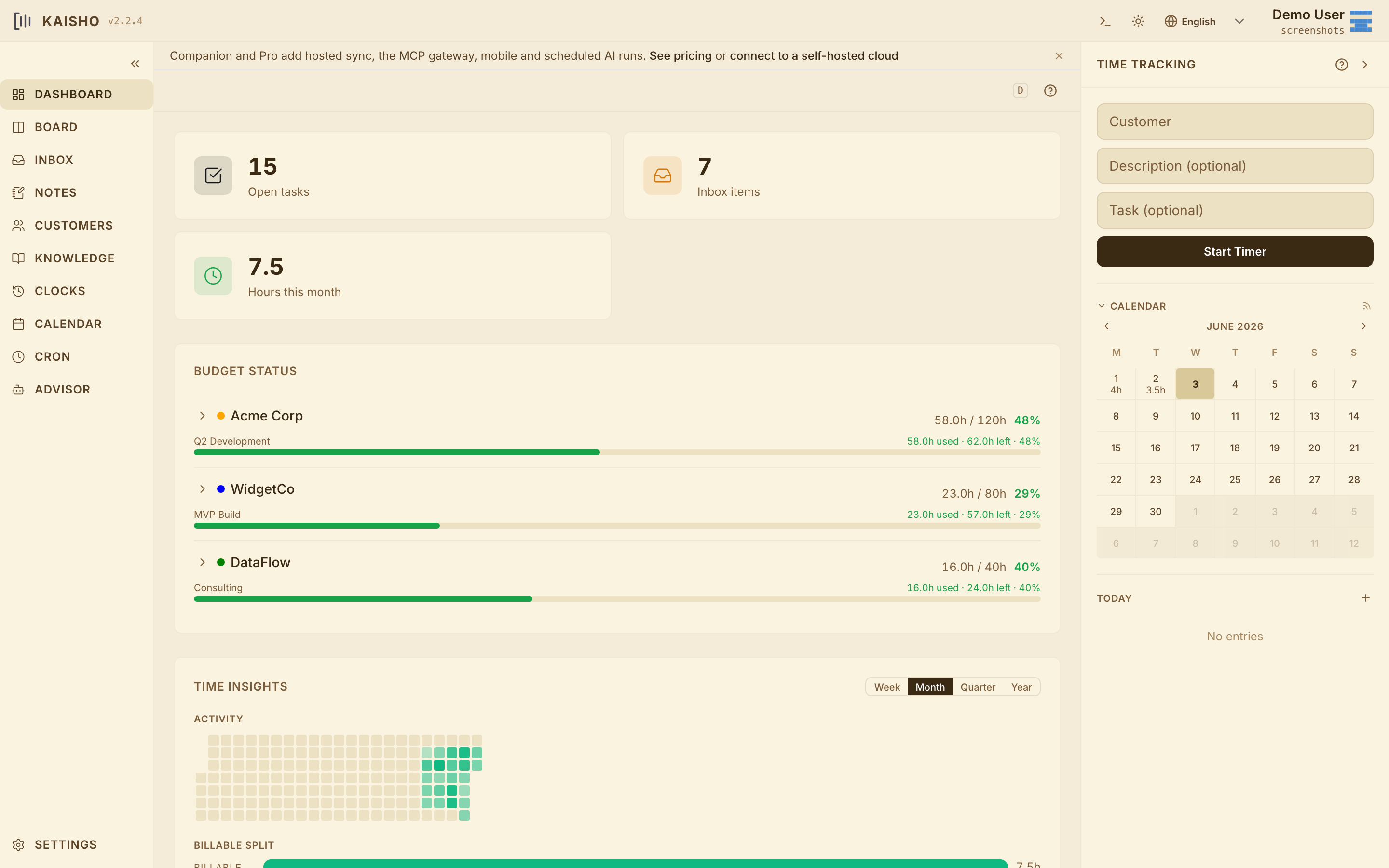
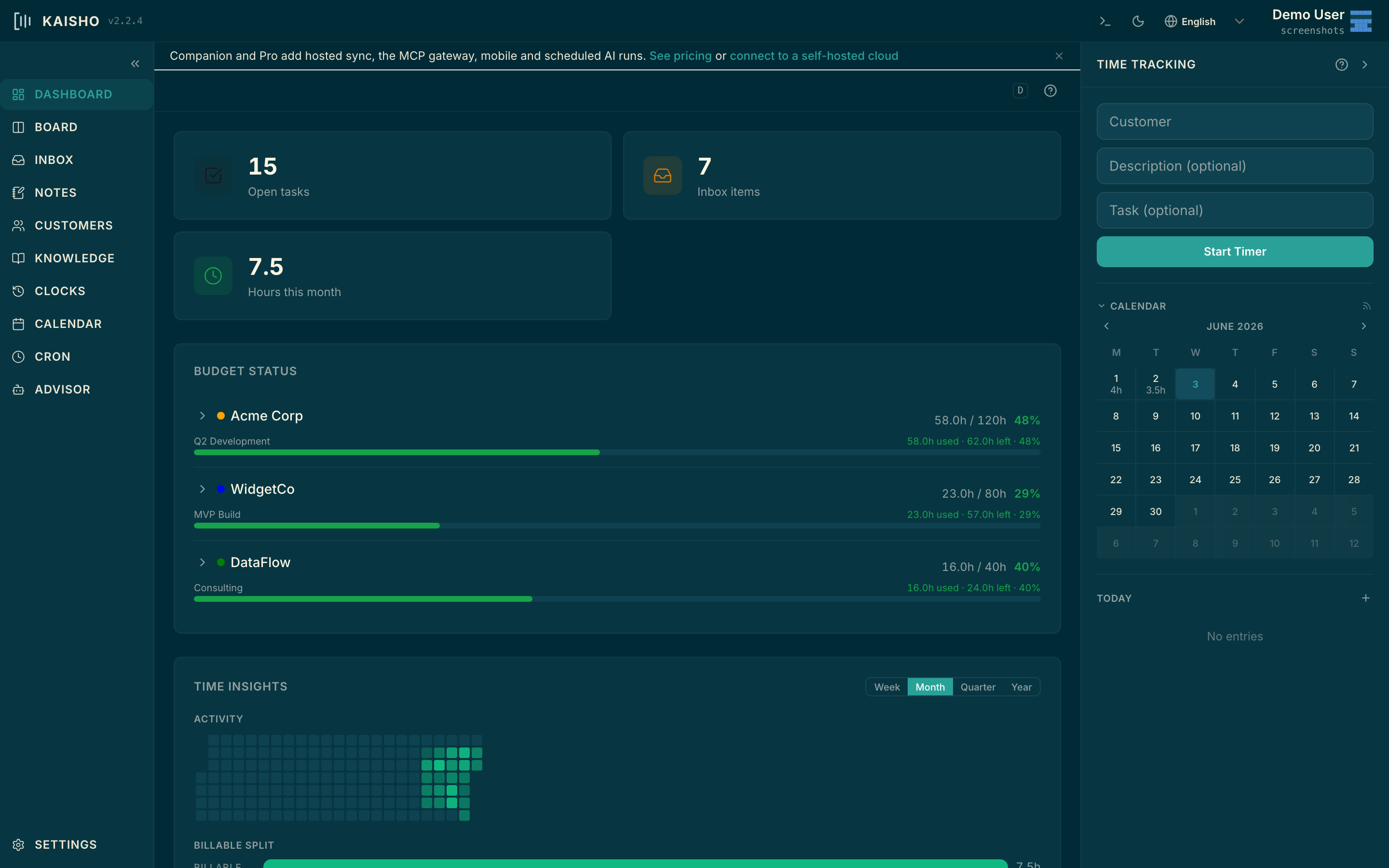
Kaisho dashboard Kaisho dashboard
// kaisho desktop · dashboard v2.4.0
Kanban AI SHell Organizer
MIT · local-first · MCP-native
Getting started

Up and running in three steps

Install the desktop app, point your AI at it, and let it remember.

Install

Grab the desktop app for macOS (Apple Silicon), Windows, or Linux from GitHub Releases. Or install via pip install kaisho && kai serve. Tasks, time, customers, notes and the KB all live in plain text on your machine.

Connect your AI

Add the Kaisho MCP server to Claude Code, Cursor, or Claude Desktop with a one-line config. Your AI can now read and write your tasks, look up a customer, log time, query the KB, and run shell commands you whitelist — without leaving the editor.

Let it run

Schedule cron-AI agents to do the boring parts: a Monday-morning briefing on last week, a Friday invoice draft, a daily KB digest. They run locally on your hardware (Local) or on our hosted token quota (Companion / Pro).

Features

A memory layer for your AI — with a real productivity tool attached.

Kaisho is what your AI companion needs to be useful day-to-day: durable memory, scheduled runs, MCP-native integration with the editor you already use, and a real task / time / customer tool underneath.

// 01 · memory

A memory your AI can actually use

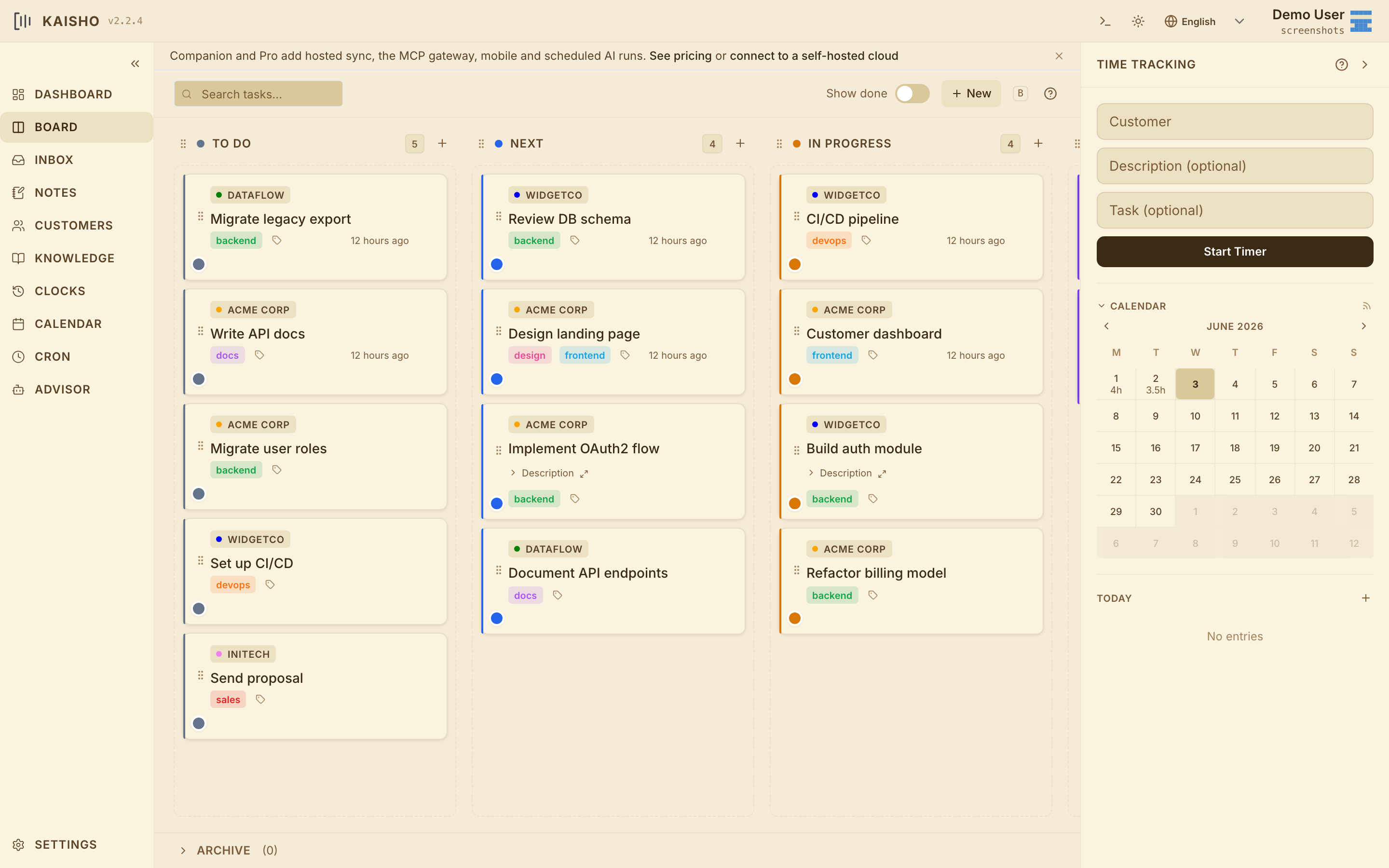
Tasks, time entries, customers, notes and a knowledge base — all in plain text, all on your machine, all queryable by your AI through MCP. Sessions in Claude Code or Cursor stop being amnesiac.

// 02 · cron-AI

Scheduled AI agents

Cron-AI jobs run on your schedule, using the model and API key of your choice. A Monday-morning briefing on last week. A Friday invoice draft. A nightly KB digest. The agent reads your Kaisho data, does the work, leaves an artefact.

// 03 · mcp

MCP-native

First-class MCP server. One-line setup for Claude Code, Cursor and Claude Desktop. Premium MCP integrations on Pro: Linear, GitHub Projects, Google Calendar, Slack — so your AI can read tasks from Linear, file a PR via the GitHub MCP, and book the time in Kaisho in a single chain.

// 04 · local

Local-first by default

Local runs entirely on your machine — no account, no cloud, BYO API key. Companion and Pro add a hosted token quota and cross-device sync, but the source of truth stays your plain-text directory.

// 05 · byom

Bring your own model

Claude, GPT, Gemini, local Ollama, LM Studio, any OpenAI-compatible endpoint. Local is BYO key. Companion and Pro include a frontier-model quota so you can stop juggling keys — or keep your own for sensitive work.

// 06 · productivity

Still a real productivity tool

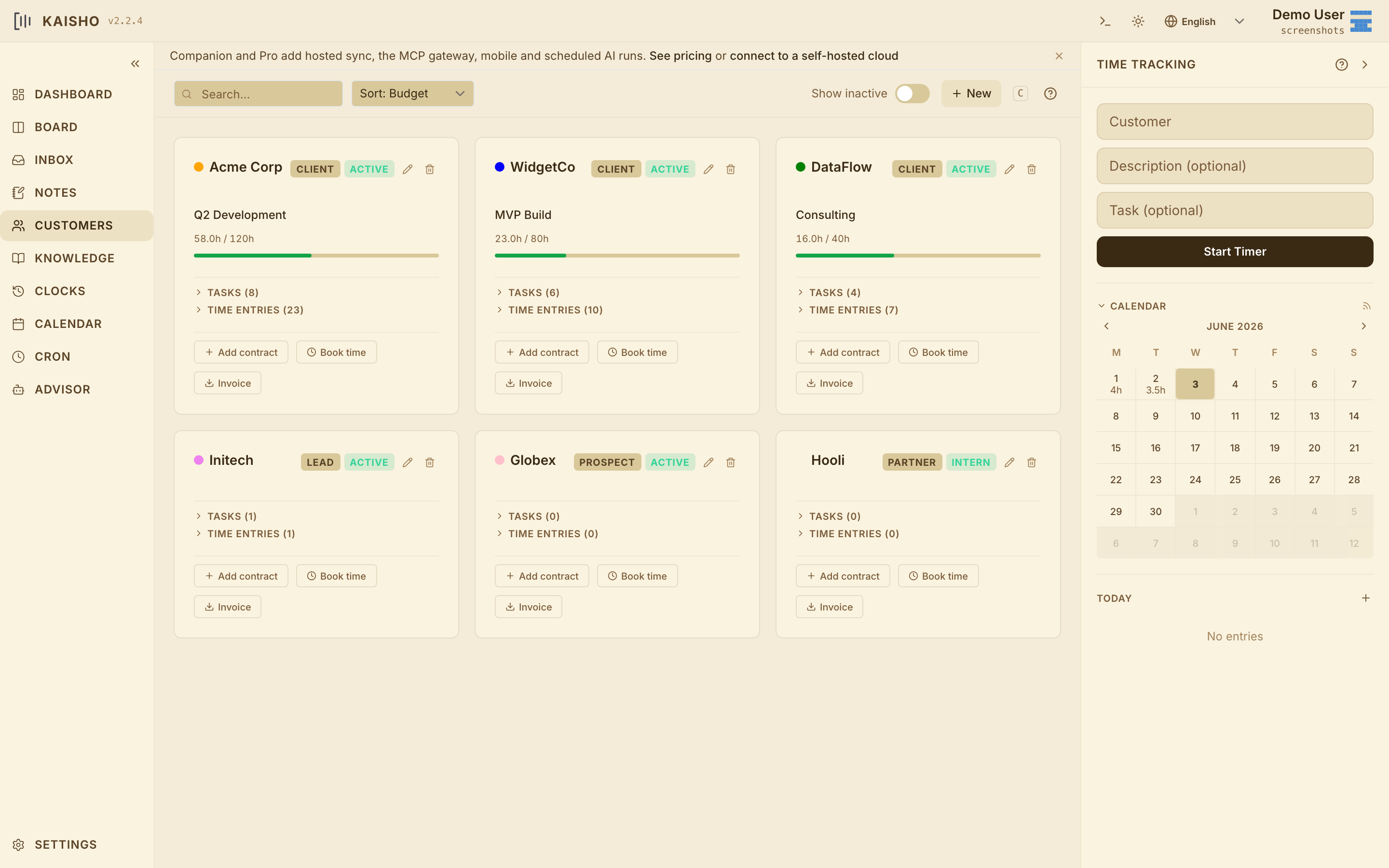
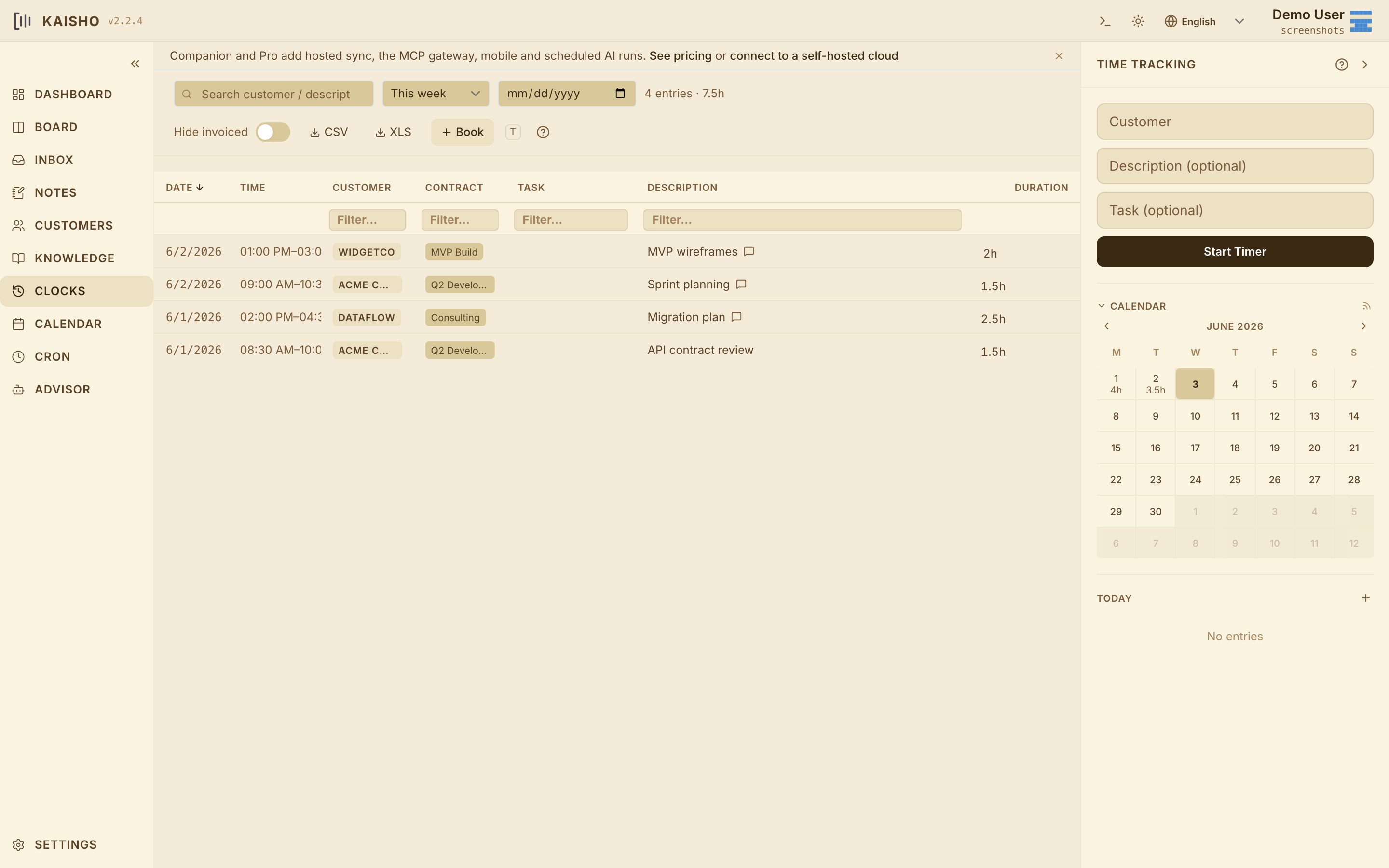
Under the AI layer: drag-and-drop kanban, start/stop timers, per-customer contracts and budgets, unbilled-entry preview and CSV export for your accountant, weekly/monthly dashboards. The productivity tool is what gives the AI something to remember.

The loop

Your tracked work becomes your AI's working memory.

Every action feeds the next. Kaisho turns time tracking into context, context into automation, and automation back into knowledge — so the loop closes instead of leaking.

// 01 · track

Track

Book time, close a task, update a customer budget — from the CLI, the editor, or by asking your AI in plain English.

$ kai book 30m "RIDING BYTES" --tag dev
// 02 · brief

Brief

Ask the advisor anything grounded in real numbers. "Who's closest to budget?" pulls hours from clocks. "What's unbilled from May?" sums by customer.

advisor › who is closest to budget?
  RIDING BYTES  147h / 200h  · 73%
// 03 · automate

Automate

Cron-AI jobs run the boring parts on your schedule: Monday-morning briefing of last week, Friday invoice draft from unbilled clocks, nightly KB digest.

@cron friday 17:00
  draft invoice from unbilled
// 04 · capture

Capture

The advisor writes findings back to your knowledge base: customer quirks, deploy gotchas, code patterns. The next session starts pre-briefed, not from zero.

+ kb/customers/RIDING-BYTES/billing.md

capture → track — the loop closes

The agent, bounded

Scheduled AI agents — the OpenClaw and Hermes loop, scoped to your work.

OpenClaw and Nous Research's Hermes Agent pioneered the autonomous-agent pattern: cron-scheduled jobs, persistent skills, a personal context the model reads on every run. Kaisho ships the same primitives — scheduled agents, a SKILLS/ directory, SOUL.md and USER.md identity files injected at runtime — bounded to your productivity domain. The agent reads your tasks, books your time, drafts your invoice, writes back to your KB. It doesn't drive your browser, run shell commands you didn't whitelist, or call APIs you didn't configure. Same agent loop, smaller blast radius.

// 01 · cron

Cron-AI jobs

Schedule prompts the way OpenClaw schedules system jobs and Hermes schedules natural-language cron. Monday-morning brief on last week, Friday invoice draft from unbilled clocks, nightly KB digest, weekly customer pulse. Define them in YAML, swap the model with one line.

@cron mon 08:30
  brief last week's clocks + open tasks
// 02 · skills

SKILLS/ directory

Each skill is one Markdown file in your profile's SKILLS/ folder. Kaisho pulls the relevant ones into context per run, the way OpenClaw's ClawHub adds marketplace skills and Hermes auto-generates new ones. You ship your own or borrow from the community.

SKILLS/budget-review.md
SKILLS/import-github-tickets.md
SKILLS/week-summary.md
// 03 · persona

SOUL.md + USER.md

Two files per profile that load on every advisor and cron run. SOUL.md sets the tone, USER.md sets the facts. Same persistent-context pattern OpenClaw and Hermes use, made auditable as plain Markdown you edit yourself.

USER.md  who you are
SOUL.md  how the agent talks
SKILLS/* what it can do

OpenClaw alternative · Hermes Agent alternative · bounded by design

Knowledge base

The second brain that survives every session.

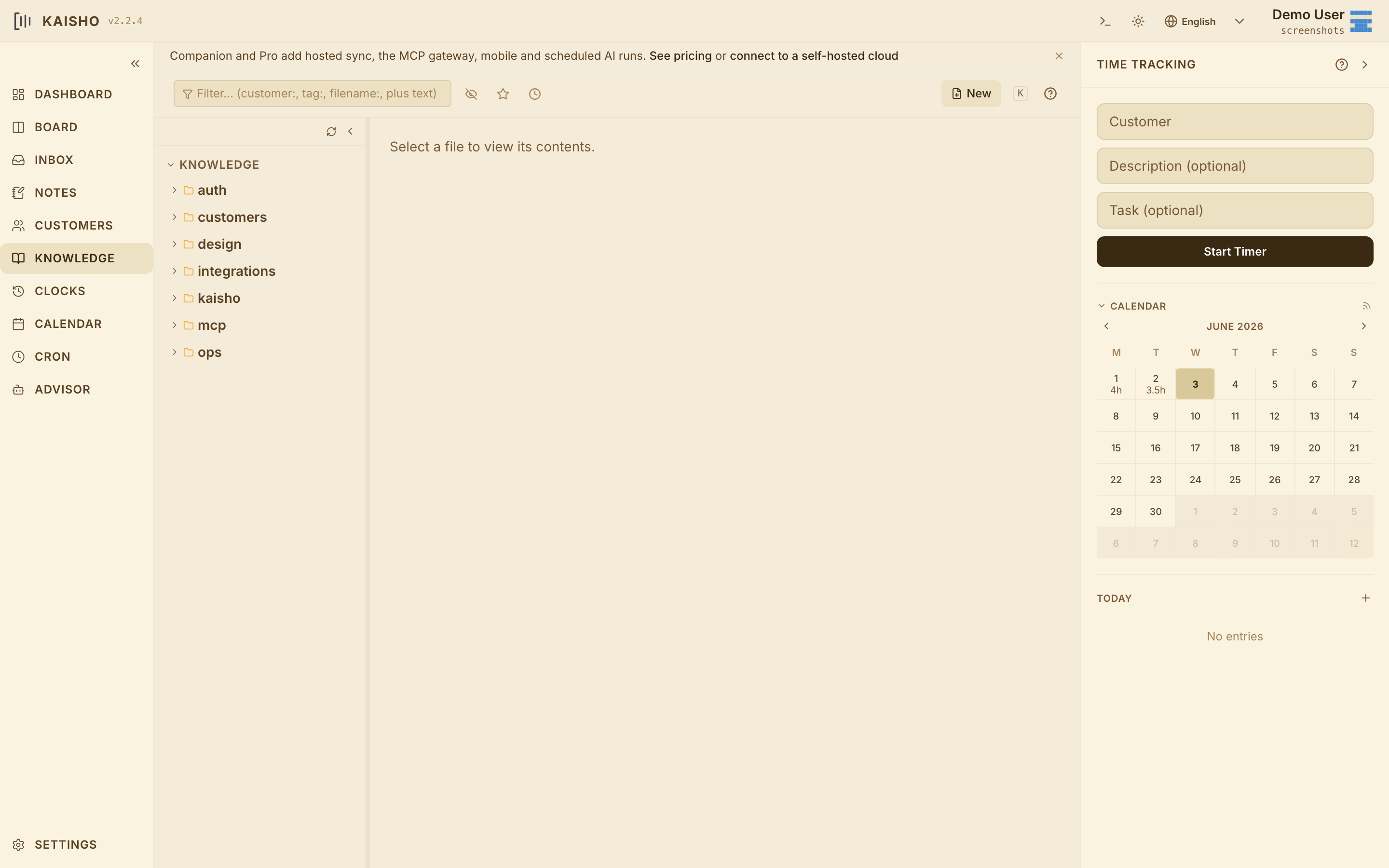
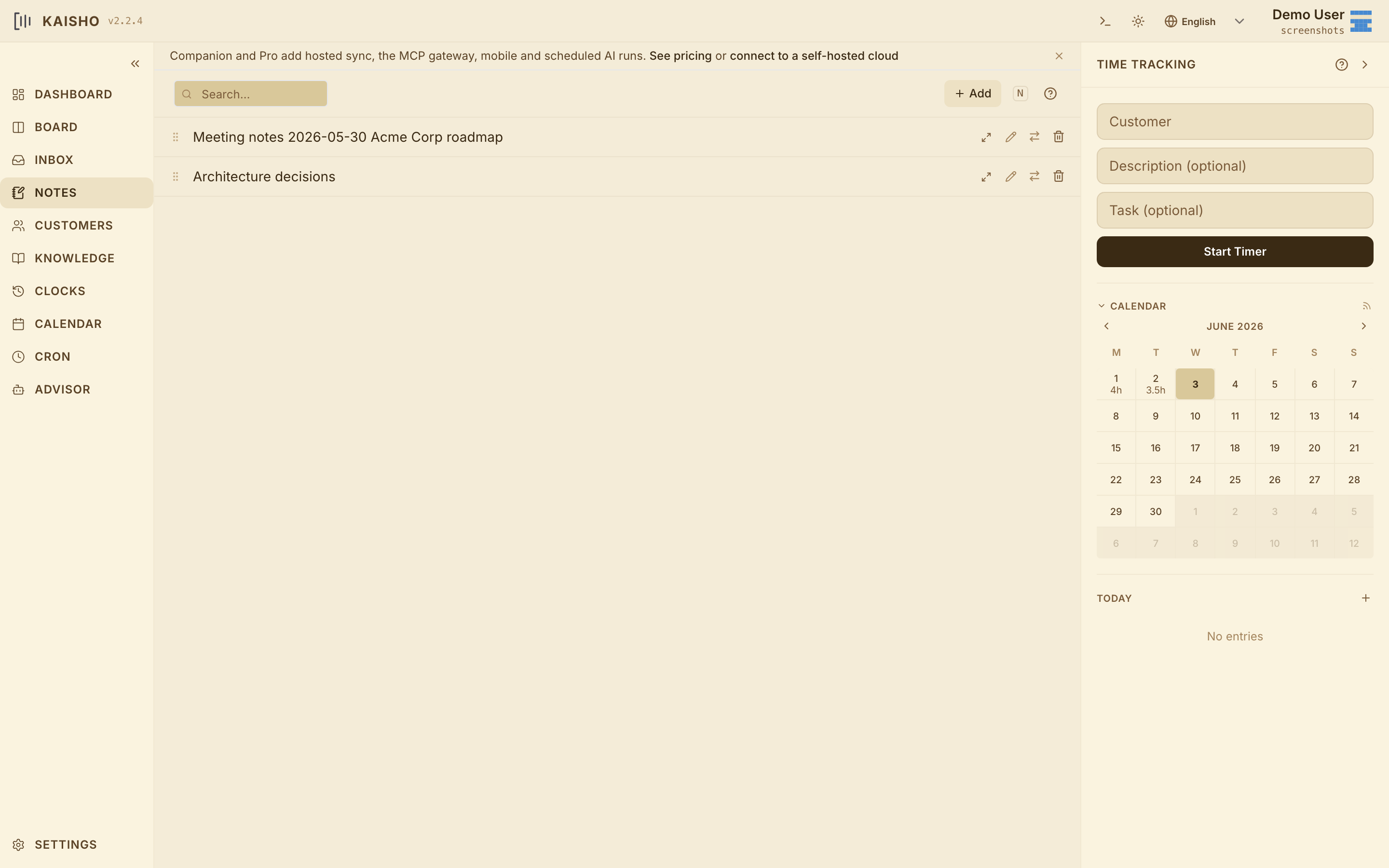
Tasks close. Clocks roll over. The knowledge base accumulates. Insights from one AI session become MCP-readable context for the next — written once in plain Markdown, addressable by path, searchable by your AI through the same MCP server it uses for everything else.

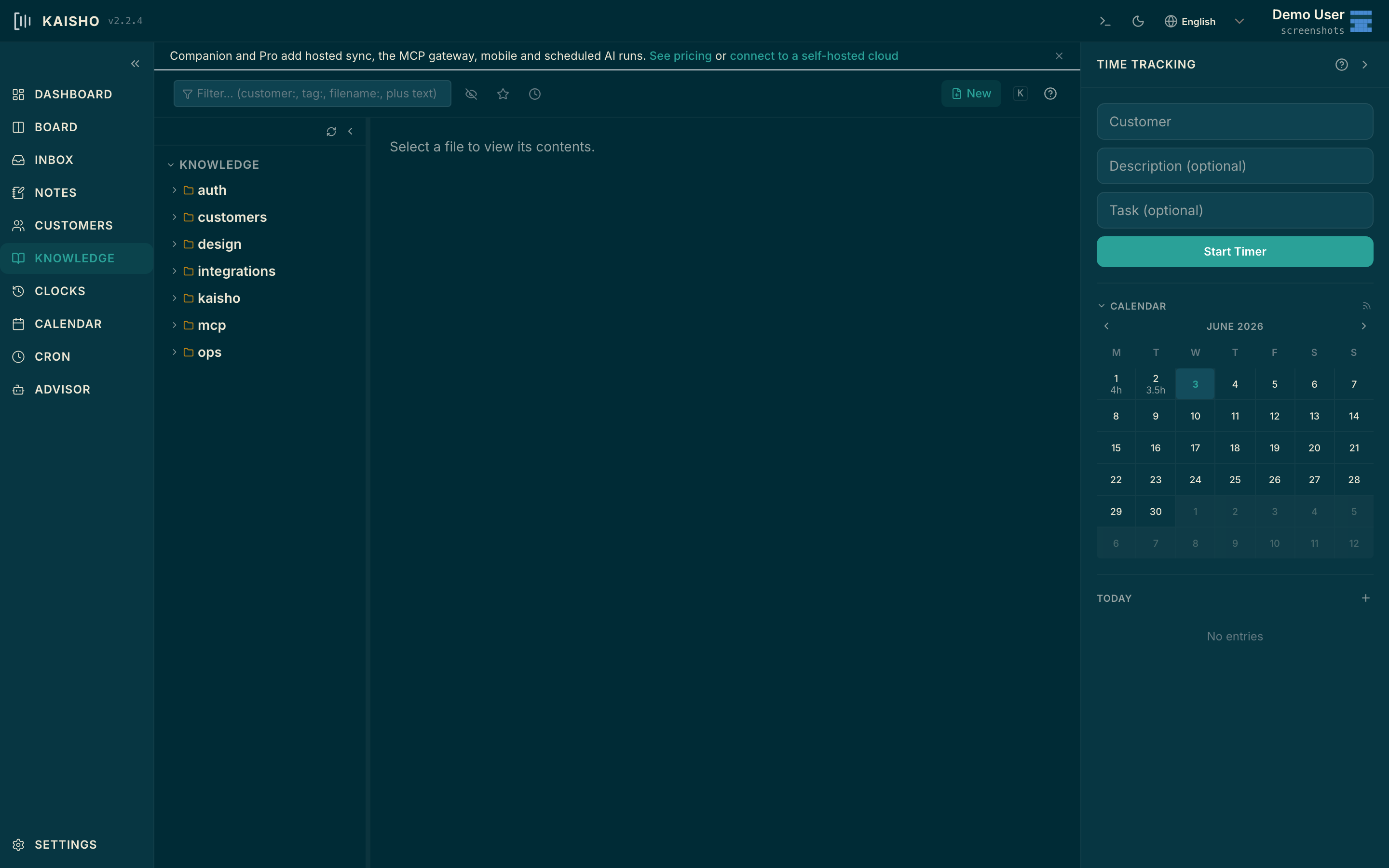
Kaisho knowledge base Kaisho knowledge base
// kaisho desktop · knowledge kb/
kb/auth/jwt-rotation-gotcha.md

Why our token refresh fails silently when clock skew is greater than 30s, and the one-line fix.

kb/customers/RIDING-BYTES/billing-quirks.md

VAT exemption rules per project type, accountant's preferred invoice format, who to CC on monthly statements.

kb/ops/cron-scheduling-notes.md

Why APScheduler misfires on DST boundaries and the timezone gotcha that bit us in March.

kb/kaisho/release-checklist.md

Bump four version files, regenerate CHANGELOG, tag, push, flip draft to published.

All entries are plain Markdown. Your AI reads them, writes to them, and never asks you the same question twice.

CLI-first

Every feature is also a kai command.

The web UI is optional. Every feature in Kaisho is a kai subcommand — and every kai subcommand is also an MCP tool. Start timers, query your KB, book time, run an agent — from the shell, from the editor, or from your AI session. Same surface, three entry points.

~/work — kai
$ kai book 30m "RIDING BYTES" --tag dev booked 0:30 to RIDING BYTES · dev $ kai task add "Ship 2.3.2" --customer "RIDING BYTES" added #482 Ship 2.3.2 [todo] $ kai cust list --status active RIDING BYTES 147h / 200h 73% NRG FMI 41h / 60h 68% LISCON 218h / 220h 99% $ kai mcp serve mcp server 127.0.0.1:8765 · 38 tools ready for claude-code · cursor · claude-desktop
Emacs

Never leave your editor.

kaisho-mode is an optional Emacs package that keeps your clock visible in the mode line and lets you start, stop, and resume timers without switching windows. It connects to the running kaisho backend via WebSocket — so clocks started in the web UI appear in Emacs instantly, and vice versa.

Works with any backend. No org-mode required. All operations go through the kai CLI and REST API.

Mode-line & keybindings

U:**- | kai.org | RIDING BYTES 0:42 | (Org)
C-c C-x t toggle clock
C-c C-x s today's summary
C-c C-x i insert backdated entry

Resume last clock on next toggle.
Reconnects automatically if the backend restarts.

Storage

Your data, your way.

Kaisho is backend-agnostic. Keep everything in human-readable plain text you can version-control, in portable JSON, or in a SQL database for concurrent, team-scale access. The web UI, CLI, MCP server and mobile app work identically across all of them.

Default

Plain text

Org-mode or Markdown files on your disk. Inspectable, diff-able, Git-friendly.

Portable

JSON

One structured document set. Easy to back up, script against, and integrate.

Professional

SQL

SQLite or Postgres for concurrent access and scale. Built for teams and professional deployments.

The plain-text backends are human-readable end to end:

* [2026-06-01 Mon] CLOCK: [2026-06-01 Mon 09:30]--[2026-06-01 Mon 10:00] => 0:30 :PROPERTIES: :CUSTOMER: RIDING BYTES :CONTRACT: dev-2026 :TASK_ID: a81b5f2e :END: Convert: preserve clock notes on org -> sql import.
## 09:30 — 10:00 · RIDING BYTES <!-- customer: RIDING BYTES contract: dev-2026 task_id: a81b5f2e start: 2026-06-01T09:30:00 end: 2026-06-01T10:00:00 --> Convert: preserve clock notes on org -> sql import.
[ { "customer": "RIDING BYTES", "contract": "dev-2026", "task_id": "a81b5f2e", "start": "2026-06-01T09:30:00", "end": "2026-06-01T10:00:00", "notes": "Convert: preserve clock notes." } ]
* TODO Ship 2.3.2 :PROPERTIES: :CUSTOMER: RIDING BYTES :TASK_ID: a81b5f2e :TAGS: release dev :END: Preserve clock notes during org -> sql import.
## Ship 2.3.2 <!-- id: a81b5f2e state: todo customer: RIDING BYTES tags: release, dev --> Preserve clock notes during org -> sql import.
{ "id": "a81b5f2e", "title": "Ship 2.3.2", "state": "todo", "customer": "RIDING BYTES", "tags": ["release", "dev"] }
* RIDING BYTES :PROPERTIES: :STATUS: active :BUDGET: 200h :USED: 147h :CONTRACT: dev-2026 :END:
## RIDING BYTES <!-- status: active budget: 200h used: 147h contract: dev-2026 -->
{ "name": "RIDING BYTES", "status": "active", "budget_h": 200, "used_h": 147, "contract": "dev-2026" }
Mobile

Your AI memory in your pocket

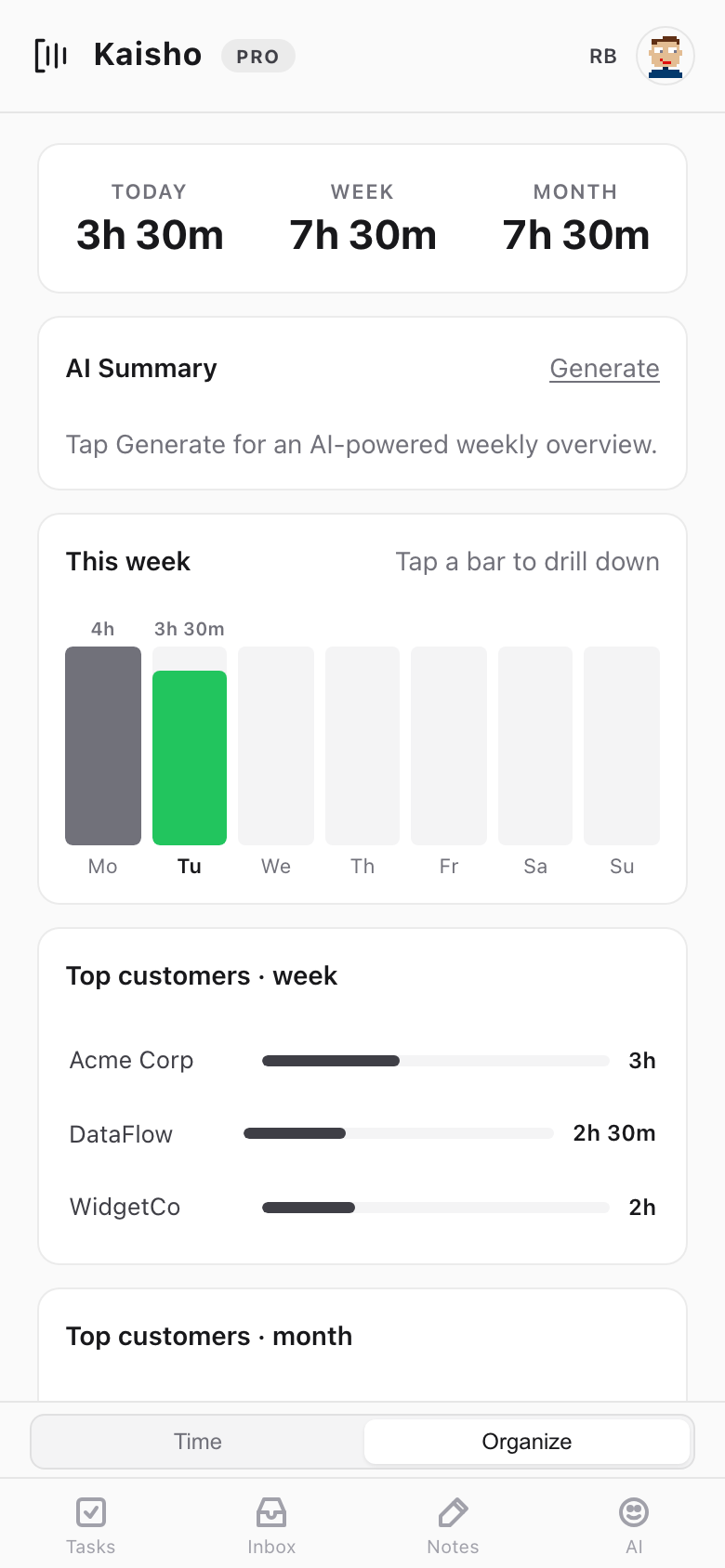
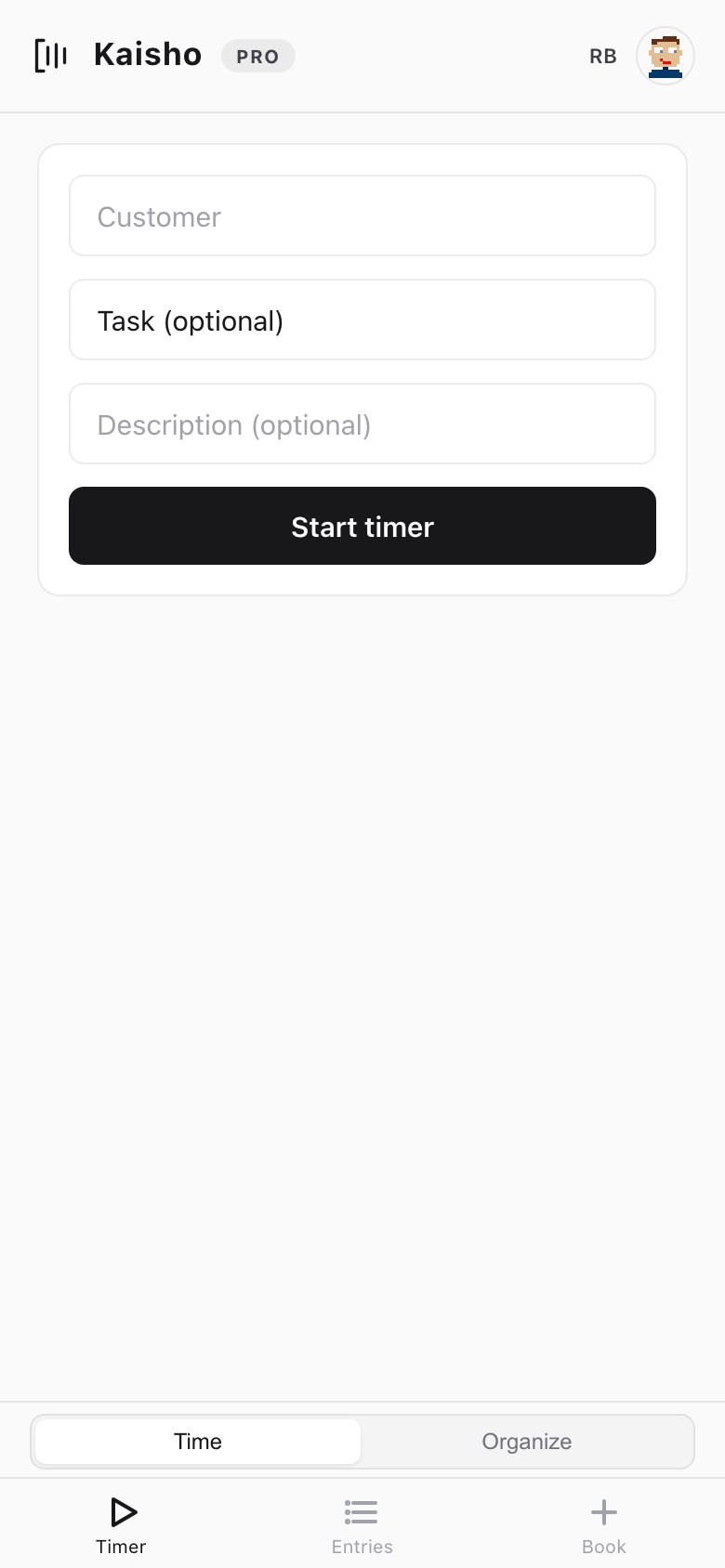
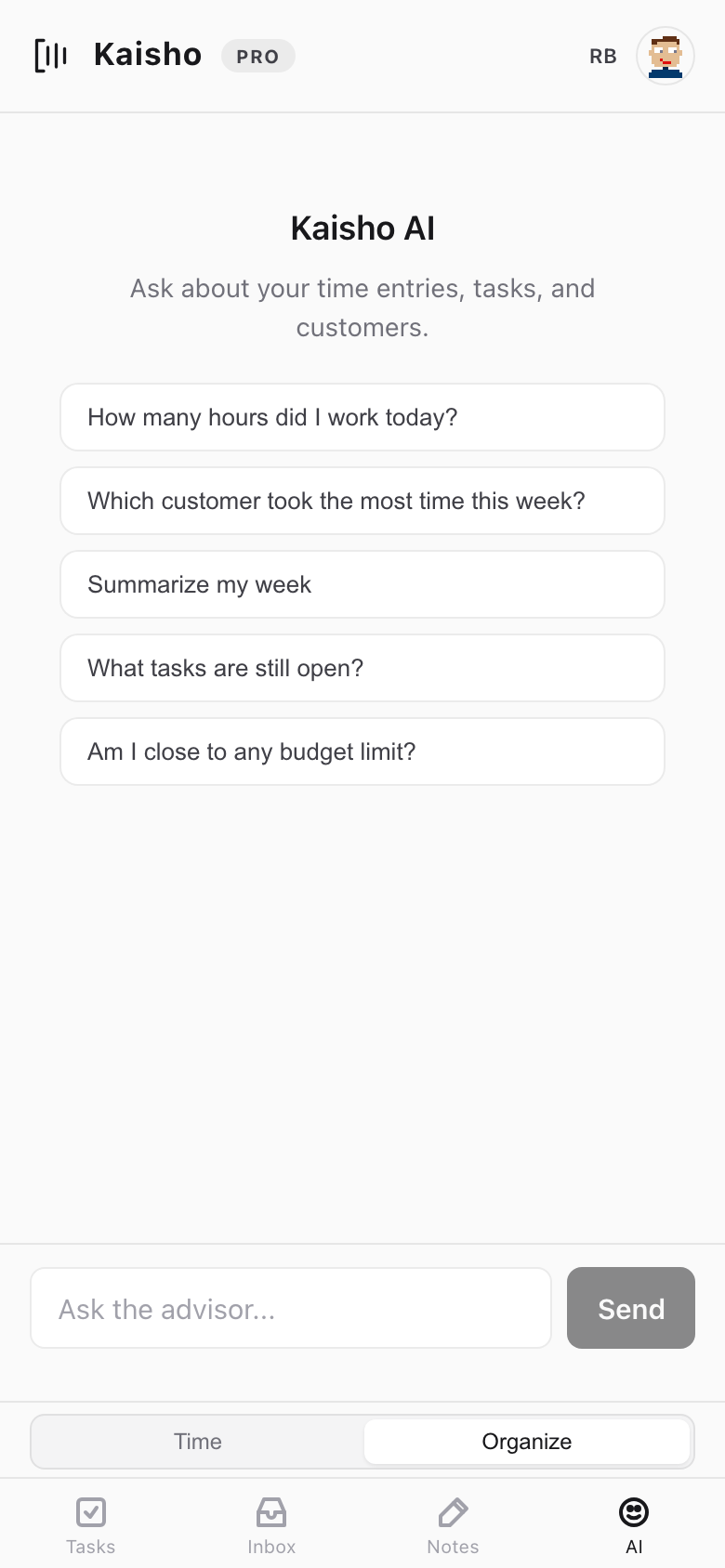
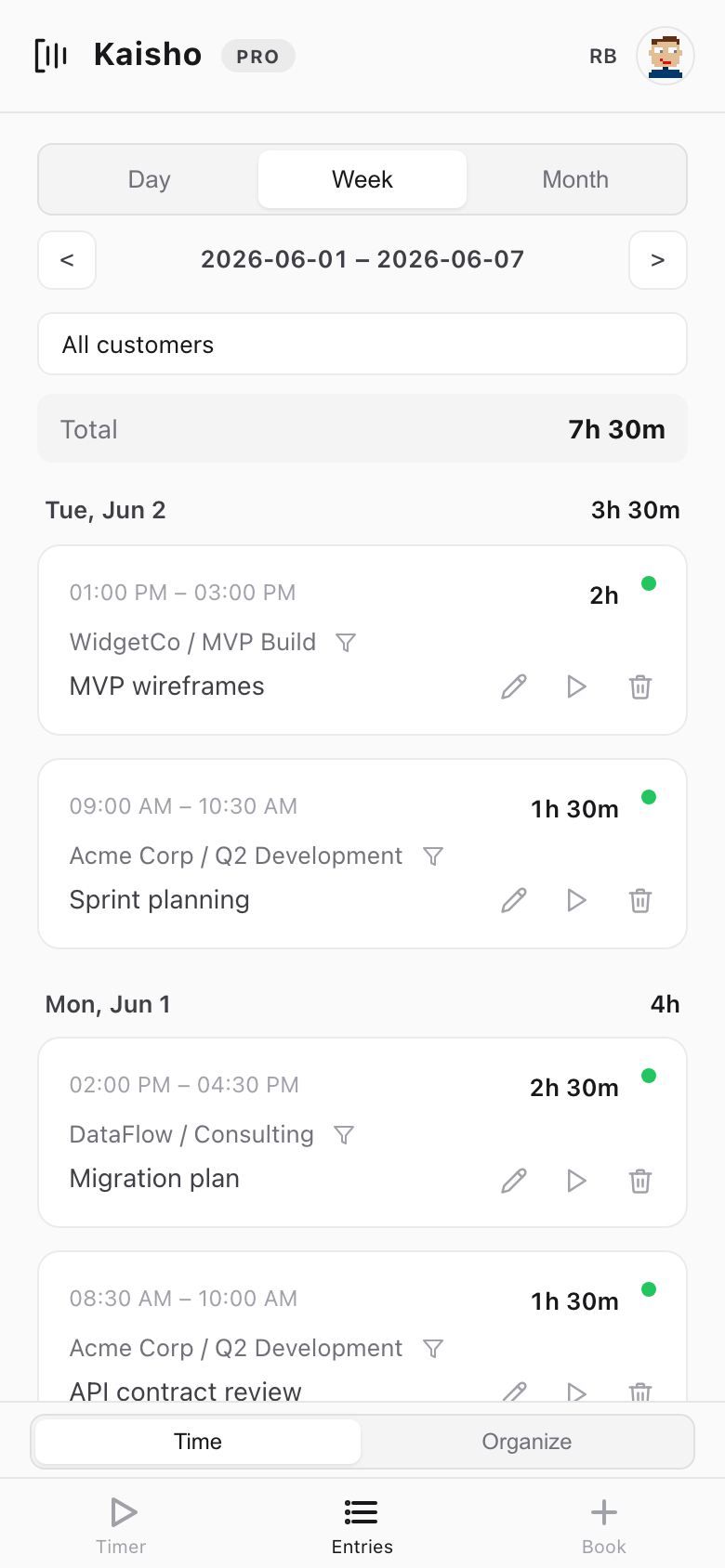
The mobile PWA gives you the same data your editor talks to: tasks, time, customers, dashboards. Chat to the advisor on the go — same model, same memory, same MCP context as on your laptop. Included on Companion and Pro.

PWA dashboard
Dashboard
PWA timer
Timer
PWA advisor
AI Advisor
PWA entries
Entries
Open Mobile App
Integrations

Where your AI already lives.

First-class MCP for Claude Code, Cursor and Claude Desktop. Any OpenAI-compatible model on the back end. Open storage — plain text, JSON or SQL — you can pipe to anything else. No lock-in, on either side.

Claude Code Cursor Claude Desktop Emacs Zed (MCP) Ollama LM Studio OpenAI API Anthropic API OpenRouter Google Calendar CalDAV Linear GitHub Projects Slack org-mode SQLite PostgreSQL

Connect your MCP client in two clicks.

When Kaisho is running, every MCP-compatible client can reach your tasks, clocks, customers and KB at a local HTTP endpoint. The token lives on your machine; nothing leaves it.

claude mcp add --transport http kaisho \
  http://localhost:8765/mcp/ \
  --header "Authorization: Bearer <your-token>"

"Open in Kaisho" needs the desktop app (v2.3.1 or later) installed. If nothing happens when you click it, install Kaisho first, then come back.

Pricing

Pick the level of memory you want for your AI.

Local is the open-source desktop. Companion and Pro add a hosted memory layer, scheduled AI runs, and MCP integrations with the editor of your choice.

Local
Free
Open source. No account needed.
  • Full desktop app (macOS / Win / Linux)
  • CLI & local data, your machine only
  • Tasks, notes, time, customers, KB
  • Bring your own API key (any model)
  • Local AI via Ollama / LM Studio
  • Self-host the MCP server
View on GitHub
Pro
59/mo
or €590/yr. Cancel anytime.
  • Everything in Companion
  • 2M tokens / mo of frontier model
  • Premium MCP integrations
  • Linear, GitHub Projects, Calendar, Slack
  • Priority cron-AI compute
  • Priority email support
Start Pro

Rolling Kaisho out to a team? Talk to us about multi-seat plans and a shared knowledge base.

No credit card for Local. Companion and Pro are personal-card priced — no purchase approval needed.

FAQ

Common questions

What is the MCP server and what does it expose?
Kaisho ships a Model Context Protocol server out of the box. It exposes your tasks, time entries, customers, notes and KB as tools your AI can call — add_task, book_time, list_customers, search_knowledge and so on. Add one line to your Claude Code or Cursor config and your AI session can read and write your Kaisho data without copy-paste.
Does Kaisho work with Claude Code, Cursor, and Claude Desktop?
Yes — all three are first-class targets with a one-line setup. See the MCP integration guide for the exact config per editor. The same MCP server works with any other MCP-compatible client (Zed and friends) over stdio. Companion adds a hosted gateway so the same tools stay reachable when your laptop is closed.
Can I use my own AI model?
Always. Local is bring-your-own-key by design — Claude API, OpenRouter, GPT, Gemini, local Ollama, LM Studio, any OpenAI-compatible endpoint. Companion and Pro add a hosted token quota of a frontier model so you can skip the key-juggling, but you can still point at your own provider for sensitive work.
Where is my data stored?
Always on your machine. Kaisho is local-first — your tasks, time entries, customers, notes and KB live as plain text files in a directory you own. Companion and Pro add a hosted sync layer so the mobile PWA and your other devices stay in step, but the source of truth never leaves your laptop.
What are cron-AI agents?
Scheduled jobs that run a prompt against your Kaisho data on a cron schedule. Today they run on your machine via APScheduler — bring your own model or API key. Companion adds a hosted runner so jobs fire even when your laptop is closed, using the included token quota. Templates are included — weekly business pulse, Friday invoice draft, nightly KB digest. Write your own in YAML.
Is the time tracking and invoicing still in the product?
Yes — the kanban board, timers, customer/contract budgets, unbilled-entry preview and CSV export are all still there and still maintained. We lead with the AI memory layer, but nothing underneath it was removed. If you only want a time tracker, Local is enough and always will be.
Why local-first if you also sell a hosted plan?
Because the source of truth and the AI memory both sit on your machine. The hosted sync layer for Companion and Pro is a convenience for mobile and cross-device — not a database lock-in. You can cancel and keep your data, untouched, in the same directory you started with.
How does Kaisho compare to OpenClaw or Hermes Agent?
Both are excellent general-purpose autonomous agents — they drive browsers, execute shell, and integrate dozens of platforms across Telegram, Discord, Slack and email. Kaisho ships the same agent loop — cron-AI jobs, persistent SOUL.md and USER.md identity files, a SKILLS/ directory of Markdown skills — bounded to your productivity domain. The agent reads your tasks, clocks, customers and KB through MCP; it doesn't browse the web or run arbitrary shell commands. Pick Kaisho if you want the agent loop with a smaller surface area and a productivity tool already attached.
Open source

Open source by default. Hosted when you want it.

Kaisho is MIT-licensed. Run the desktop app, the MCP server, and the sync layer entirely on your own hardware — or pay for the hosted token quota and skip the setup. Either way, the source is on GitHub, the data is yours, and the architecture works without us.

View on GitHub
The Mark

The time- and mindkeeper — your local-first AI work companion

In Japanese martial arts, kaisho (開手) means “open hand” — the position of readiness. The mark is an open bracket with three lines: the bracket is the palm, the lines are what you carry — tasks, hours, ideas.

The bracket is not closed. It accepts new entries, holds what matters, and expands when you need it to. Structure without rigidity.